
This document provides instructions on how to install the Preemptive AI for Verse extension in Firefox.
The add-in communicates with an agent in the AI-Proxy database, so Preemptive-AI for Domino must be installed and operational to use it.
The Preemptive AI for Verse extension consists of a single signed xpi file.
Installing and configuring the extension
- Open Firefox
- Drag the AI-Firefox-X.X.X.xpi file to the browser window. A popup should appear.
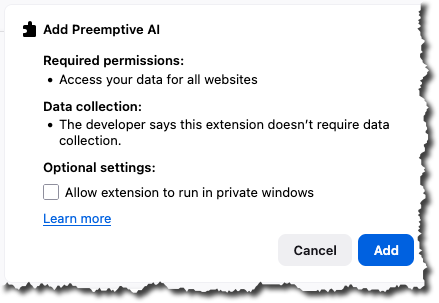
- Click Add, to add the extension
- In the dialogue that appears, click extension settings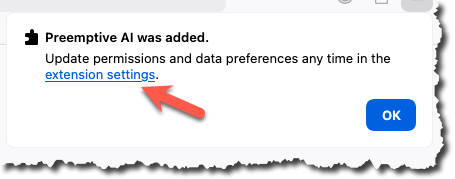
Click on the extension options,
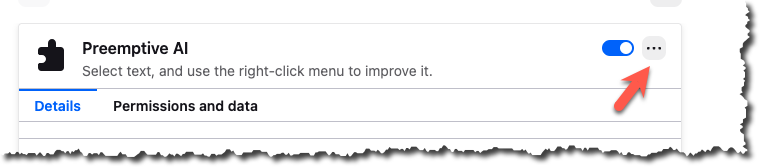
- and select preferences.
- Configure the Remote Service URL to match your environment, and save the setting.
- Close the tabs that have just been opened.
- That completes the installation process.
Testing the extension
- Open Verse
- Compose a new email
- To use the feature, select some text in the email, right-click to open the context menu, then choose 'Preemptive AI' followed by the specific function you wish to try.